pfSense Router/Firewall Install
DoneRepurposing a 2007 Dell Dimension E521 into a pfSense router/firewall, on a budget.
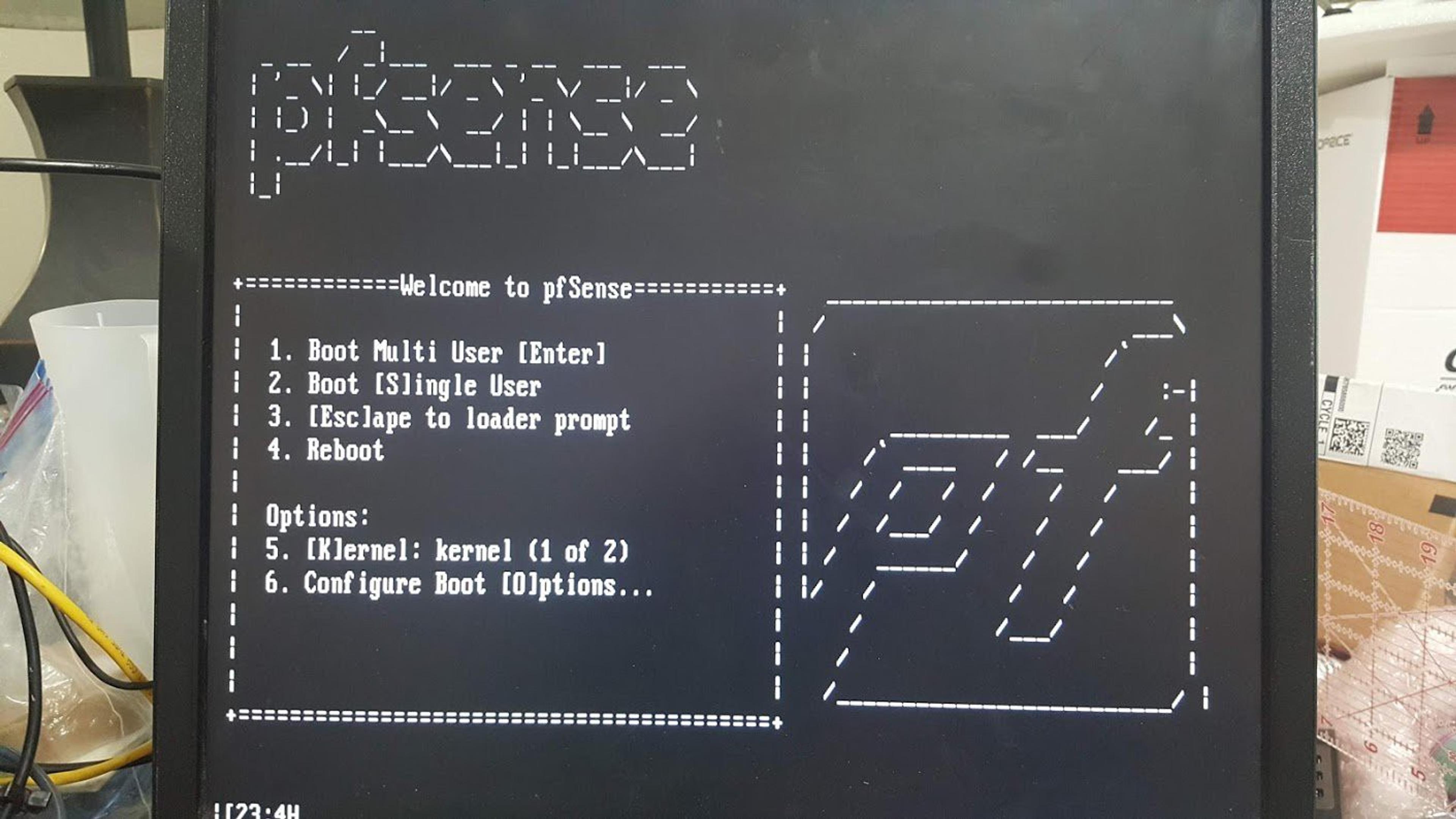
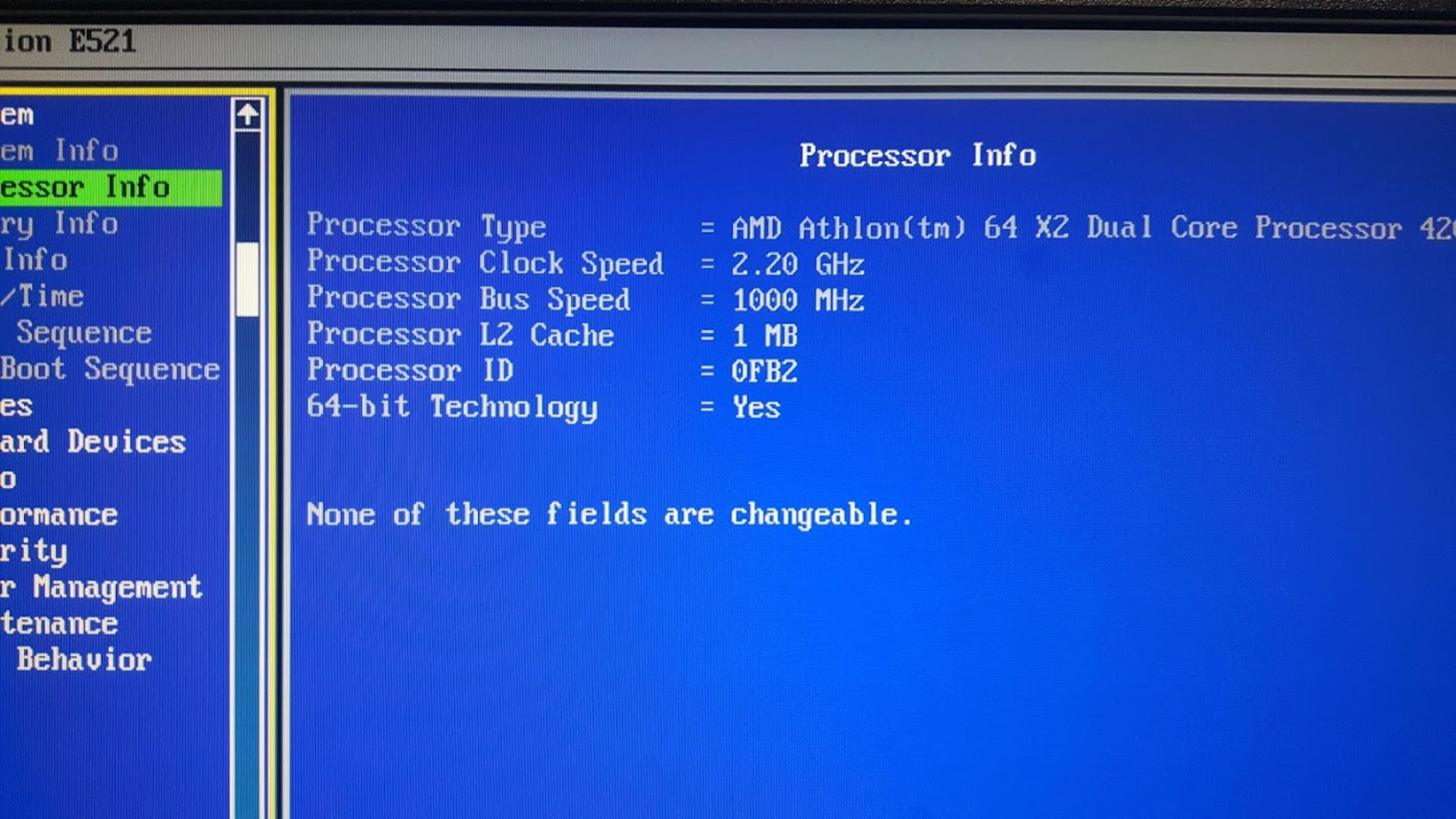
Turning an old Dell Dimension E521 desktop into a pfSense-based router and firewall for about $60 in parts, replacing a consumer Linksys EA6350 with something closer to enterprise-grade networking — VLANs for network isolation, VPN remote access, and a more capable setup than a typical home router.
Gallery
Bill of Materials
Updates
RAM Installed and Future Considerations
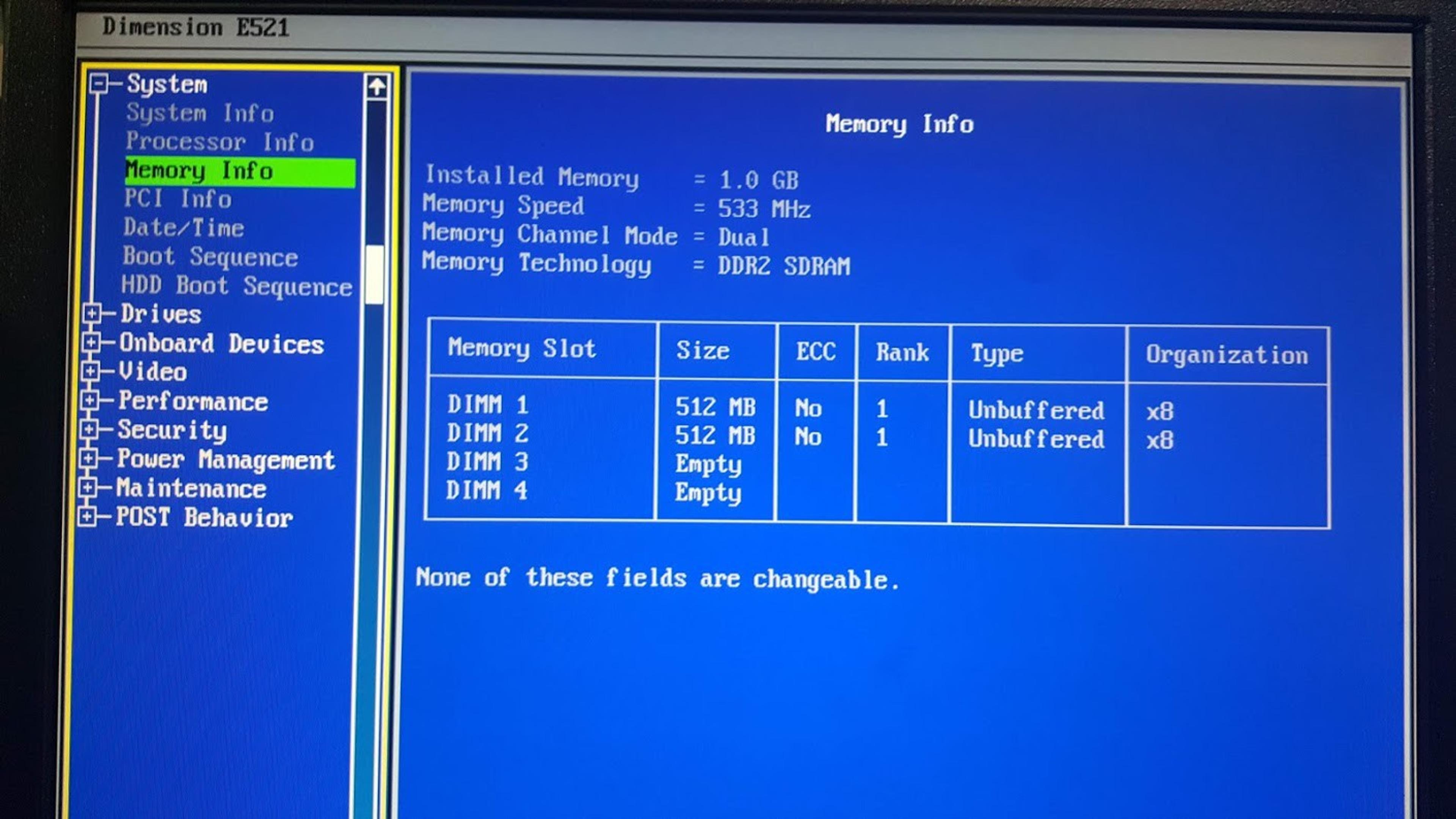
Upgraded system memory from 2GB to 4GB — stable after an initial CPU spike. Calling the project essentially complete, though thinking ahead about the aging hardware.
Finally Up and Running
The system has been running as the primary home router for a week. Ordered more RAM to address suspected memory bottlenecks, and decided against BSD jails without more memory available.
Lots of Changes
Installed a salvaged 250GB hard drive, resolved USB header connection issues, reinstalled pfSense to the HDD using ZFS, restored config via USB, and upgraded to version 2.4.5.
Wrapping Up a Few Loose Ends
Configured a local VPN between subnets, ordered a full-height adapter bracket for the network card, got HDD adapter mounts, and planned the transition to replace the existing router.
DHCP on Subnet for Testing
Set up an isolated testing environment by enabling DHCP on a single LAN port, to safely test routing without disrupting the existing network.
Finally Back Up and Running
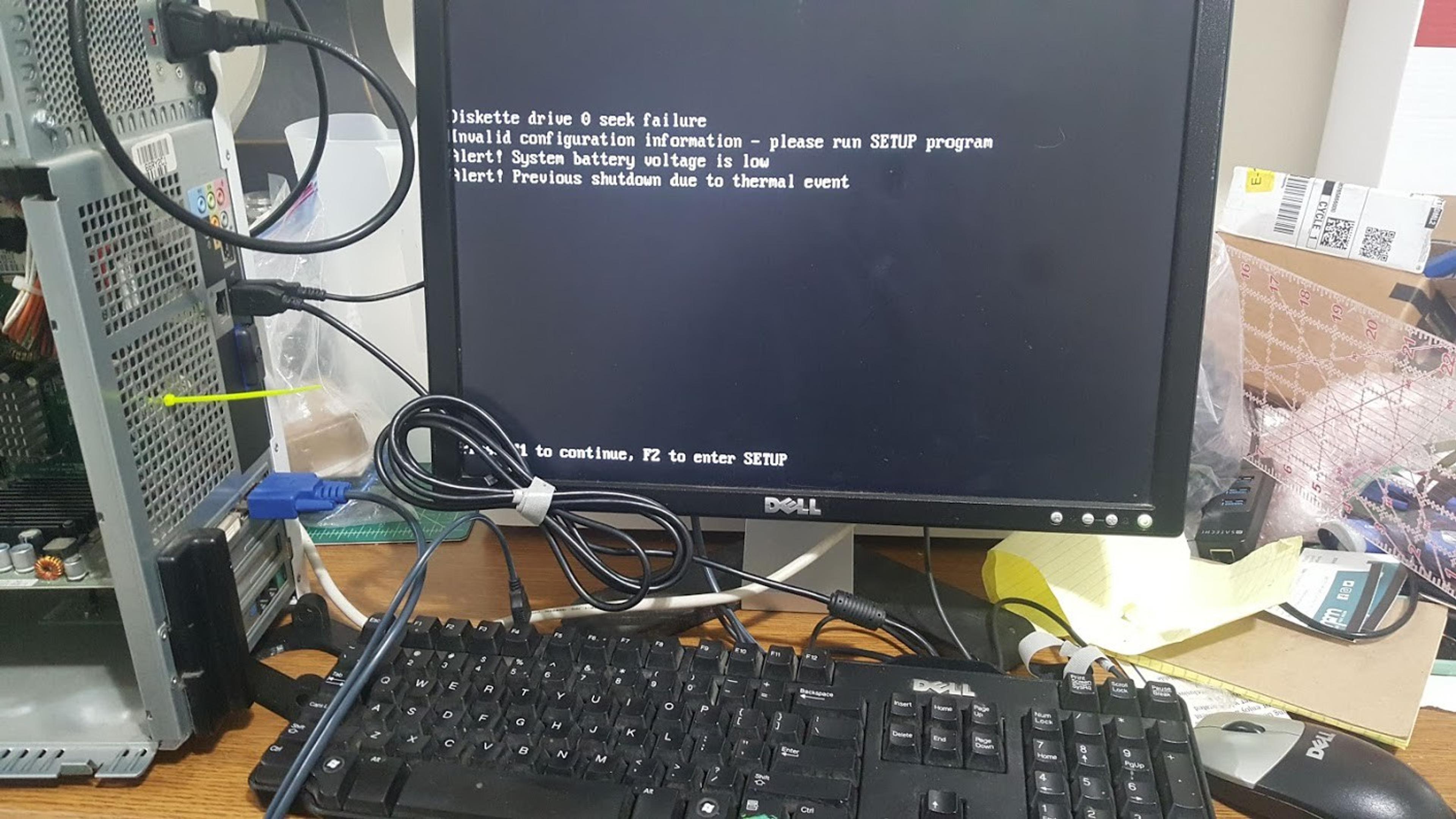
Resolved persistent kernel panics through BIOS updates, memory upgrades, and network tuning. The new network card installation eliminated the crashing issue.
Used i350-T4 Ordered
Ordered a replacement network interface card after suspecting the current NIC was causing system hangs on WAN packets.
Debugging TODOs
A checklist of troubleshooting attempts so far: BIOS updates, driver investigation, and prep work for the hard drive installation.
FreeBSD Boot Sequence Killed the USB Drive
The USB boot drive became unrecognizable after repeated installation attempts and configuration crashes, prompting a shift toward a hard-drive-based installation instead.
PCIe Fun, and the PT NIC has Arrived
Identified an available PCIe slot and installed the network card, though configuration caused system loops requiring further troubleshooting.